
Multiple Device Support
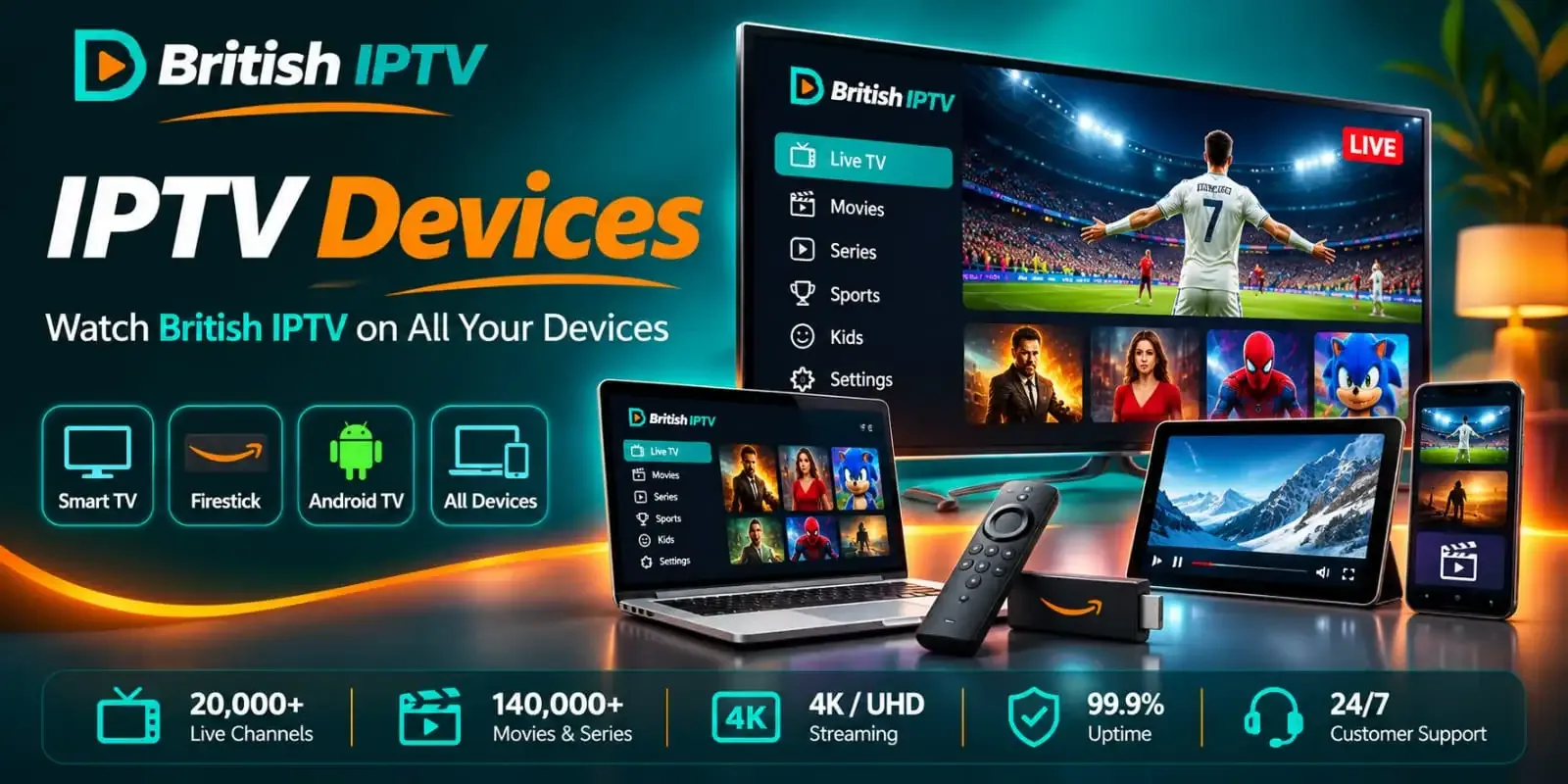
Enjoy British IPTV on compatible Smart TVs, Firestick, Android TV, Apple TV, smartphones, tablets, IPTV boxes and computers.
BRITISH IPTV COMPATIBLE DEVICES
Discover British IPTV devices and enjoy streaming on compatible Smart TVs, Amazon Firestick, Android TV, Apple TV, smartphones, tablets and computers. Our British IPTV service supports a wide range of devices and IPTV player applications, with straightforward setup guides and 24/7 customer support to help you get started.
WHY CHOOSE BRITISH IPTV
Enjoy British IPTV on your favourite compatible streaming devices, from Smart TVs and Amazon Firestick to Android TV boxes, Apple TV, smartphones and computers. Explore supported IPTV players, follow device-specific setup instructions and find the best viewing option for your home.
Enjoy British IPTV on compatible Smart TVs, Firestick, Android TV, Apple TV, smartphones, tablets, IPTV boxes and computers.
Follow practical British IPTV setup guides for supported devices, with clear installation instructions and device-specific guidance where available.
Explore popular British IPTV player applications and choose a compatible app based on your device, operating system and region.
Contact our British IPTV support team 24/7 for assistance with device compatibility, IPTV player setup and installation guidance.
BRITISH IPTV COMPATIBLE PLATFORMS
Browse British IPTV compatible devices and find the right setup guide for your Smart TV, Firestick, Android TV, Apple TV, mobile device or computer. Choose your preferred platform and explore the available installation instructions for supported IPTV player applications.

Fire TV Stick, Fire TV Cube and Fire TV smart TVs

Android TV, Google TV, NVIDIA Shield and Android boxes

Samsung Smart TVs running Tizen

LG Smart TVs on webOS, 2017 and newer

Apple TV 4K and Apple TV HD

iPhone and iPad, on iOS and iPadOS

Roku TVs and Roku streaming players

Windows 10 and 11 desktops and laptops

 Xbox
PS5, Xbox Series X and Xbox Series S


Formuler, MAG, Dreamlink and AVOV boxes
Compatible IPTV players
Explore popular IPTV player applications for British IPTV on supported Smart TVs, Firestick, Android TV, Apple TV, smartphones, tablets and computers. Discover options such as TiviMate, IPTV Smarters Pro, XCIPTV, IBO Player, Kodi and other compatible applications. Player availability and setup requirements may vary depending on your device, operating system and region.







STEP-BY-STEP SETUP GUIDES
Explore our step-by-step British IPTV setup guides for Smart TVs, Firestick, Android TV, Apple TV, smartphones, tablets and computers. Find the right installation instructions for your device and get help from our 24/7 support team.
Before you begin
App availability can vary by device model, operating system, region, and app store. Platform names and logos identify compatibility only.
READY TO START STREAMING?
Ready to enjoy British IPTV on your Smart TV, Firestick, Android TV or another compatible device? Explore our British IPTV setup guides, request your 24-hour free trial with no credit card required, and choose the British IPTV subscription that suits your viewing needs. Get instant activation and 24/7 customer support.